
Looking for something a little different this Christmas? 🎅✨ Discover our range of personalised festive gifts, perfect for family, friends, dog lovers, cat lovers, coffee addicts and everyone in between! From beautifully printed wine bottle bags and quirky Christmas mugs to fun personalised pouches and practical gifts with personality, we have something to make everyone smile. ❤️🎁 Whether you're shopping for a Secret Santa, a stocking filler or that special someone, our unique designs bring a little extra magic to Christmas. 🎄✨
-
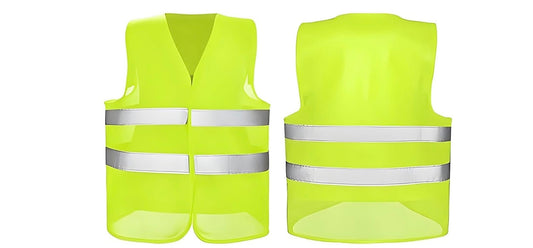
Custom Printed High Visibility Safety Vest – Branded Workwear
Regular price £12.95Regular price -
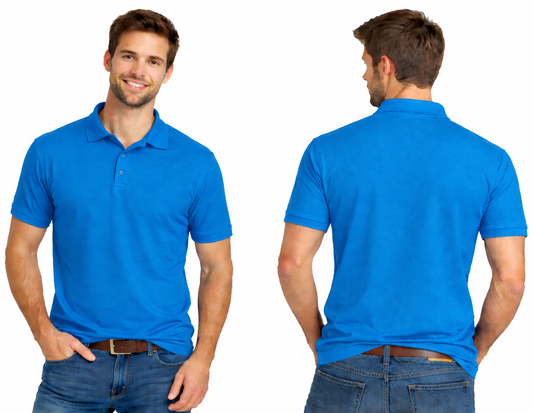
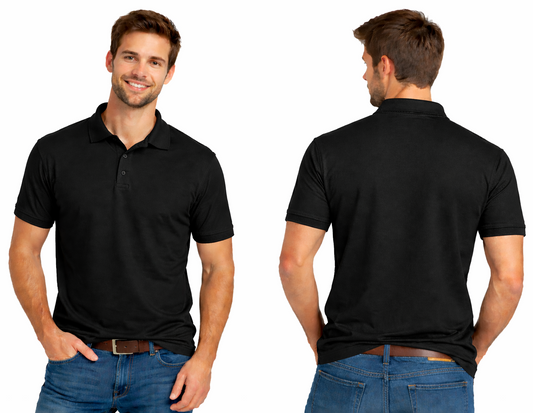
Custom Printed Polo Shirts – Branded Workwear
Regular price £22.95Regular price -
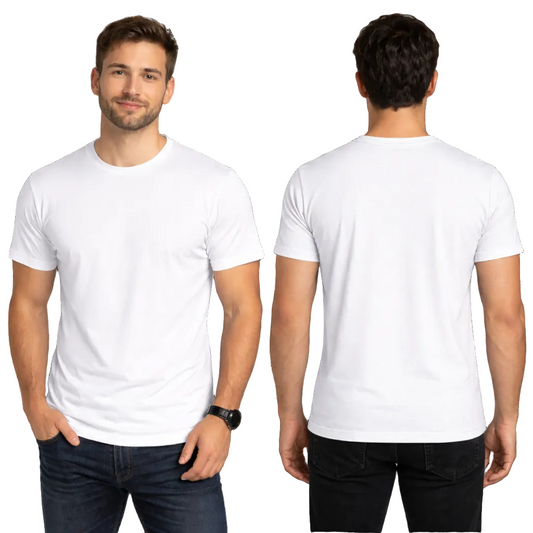
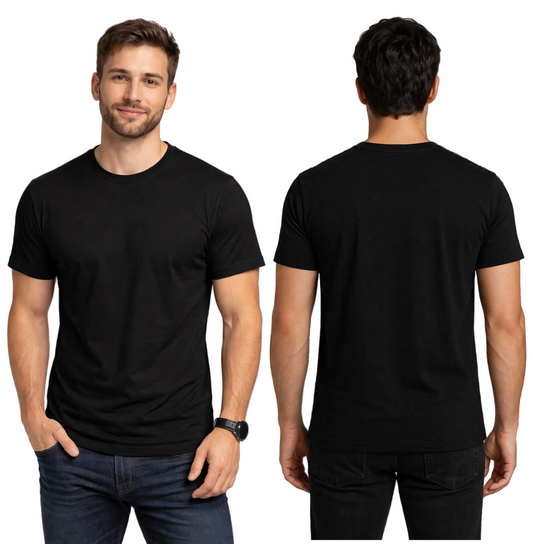
Custom Printed Men's T-Shirts – DTF Printing
Regular price £12.95Regular price -
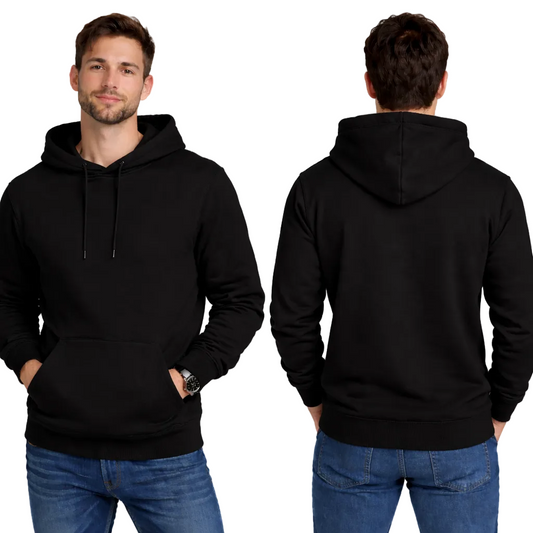
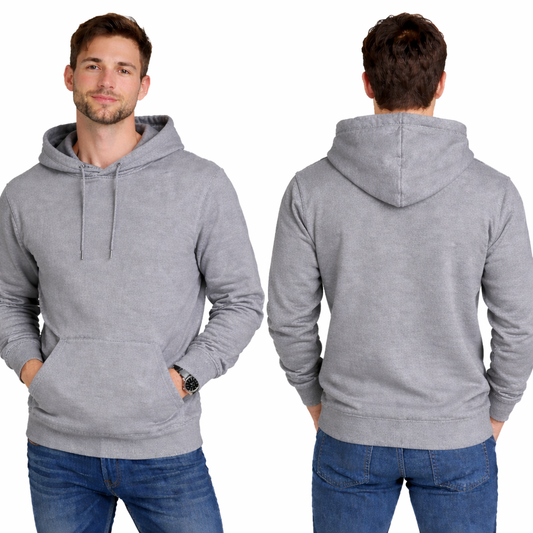
Custom Printed Men's Hoodies – DTF Printing
Regular price £34.95Regular price -
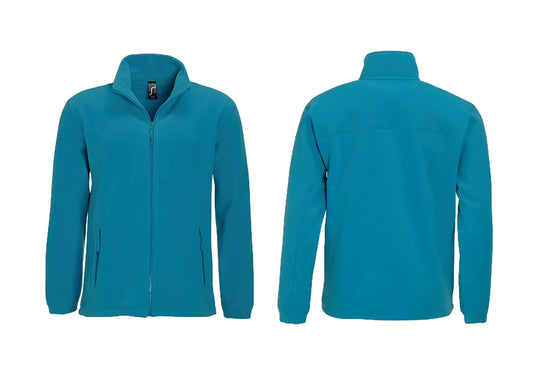
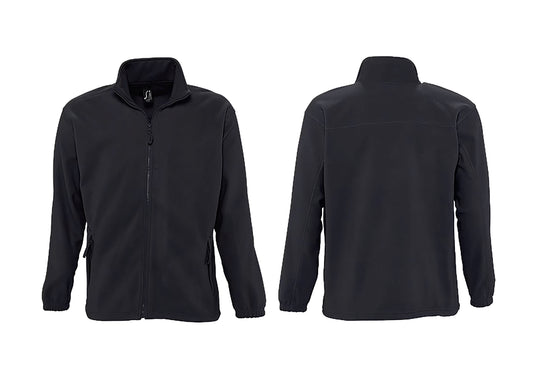
Custom Printed Full-Zip Fleece Jacket – Branded Workwear
Regular price £34.95Regular price


How to add your custom graphic or text
Simply use our graphic tool found on the page of your selection. Here you can select sizes, colours and quantities.
To upload your graphic:
Click on CHOOSE FILE and select your graphic. Once uploaded you can resize your graphic by simply enlarging or decreasing the size of the graphic bounding box. Repeat this if you want another graphic on the other side of the t-shirt.
To add your text:
Click in the box above the TEXT EDITOR and type your text. You can then EDIT your text using the TEXT EDITOR. Here you can change the fonts, colours and resize the text.
Then you can select ADD TO CART. A small thumbnail of your t-shirt will appear in you basket. Your shipping costs will be calculated at checkout.
If you need to EDIT your graphic or text before you CHECKOUT you can return to your selected garment page and edit.
If at any stage you need assistance please feel free to get in contact with us and our experts will gladly assist you.